Escalation policies
If the first responder misses it, the next one hears it
Ordered levels
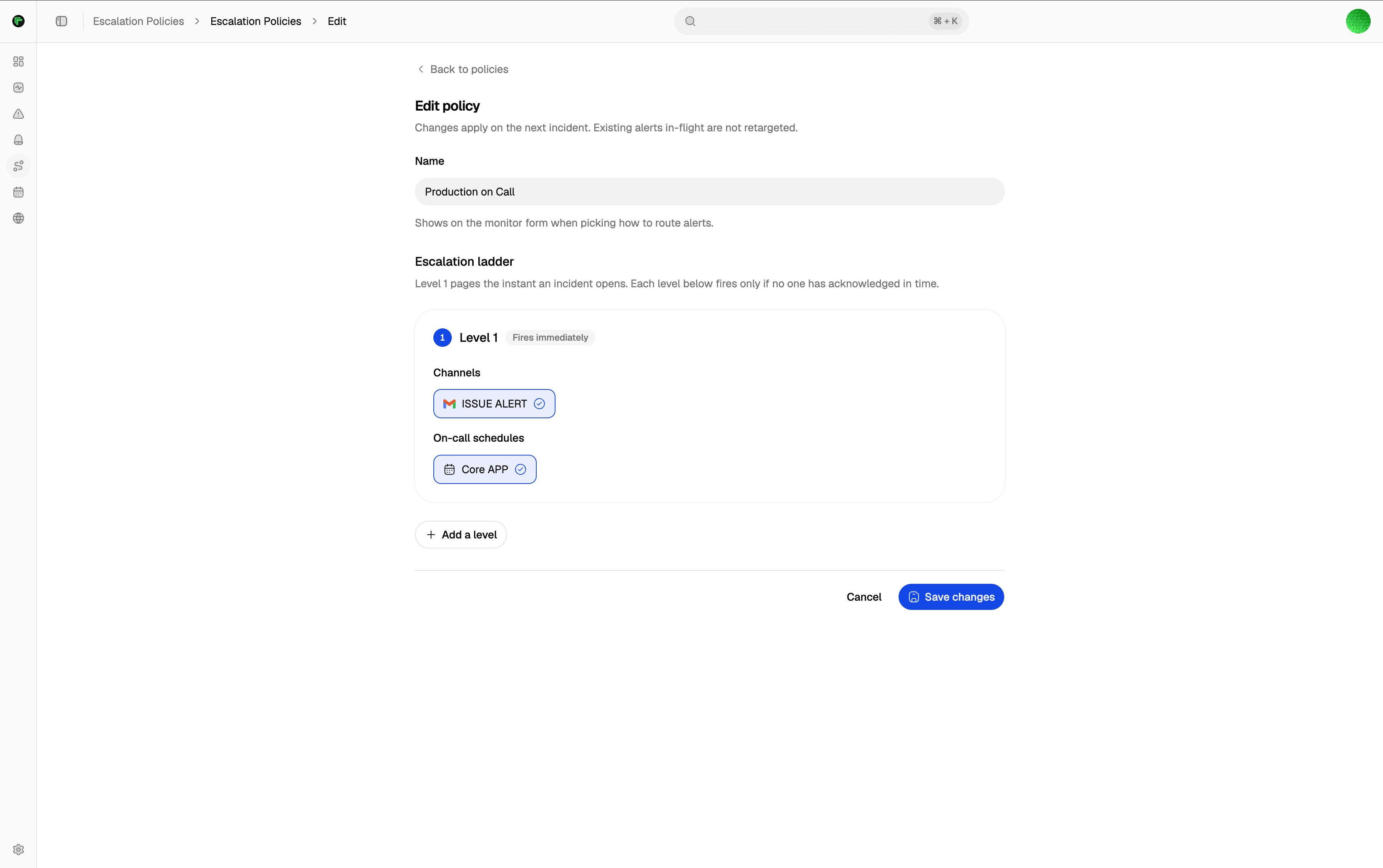
The first level pages the moment an incident opens. No acknowledgement in time, and the next level fires. Repeat until someone responds.
Channels or schedules
Each level targets channels directly, or an on-call schedule that resolves to whoever is on call right now.
Always the current on-call
A level aimed at an on-call schedule resolves to whoever is on call the moment it fires, overrides and all.
Acknowledge stops the chain
The moment an incident is acknowledged, every pending escalation cancels itself.
Routing
Climbs until someone acknowledges.
Define your levels, point each one at a channel or a schedule, and set how long to wait before escalating. Acknowledgement stops it cold.
Define your levels
An ordered list of levels. The first level fires the instant an incident opens.
Point each level somewhere
Target a channel directly, or a schedule that resolves to the current on-call person when members are configured.
Set a timeout
No acknowledgement within the window, and the next level fires automatically.
Acknowledge to stop it
An acknowledgement cancels every pending level instantly, so the ladder stops the moment someone is on it.
Documentation
Setup guides
Step-by-step docs on docs.tallwatch.com for this part of the product.
Ordered levels that keep paging until someone acknowledges.
A page after regions agree — not after one probe fails.
Start on Free with multi-region consensus. No credit card.