Hosted status pages
A hosted status page on your own domain
Your domain, your brand
Host on status.yourcompany.com with your logo, colors, and favicon. The powered-by mark comes off on Business.
Components
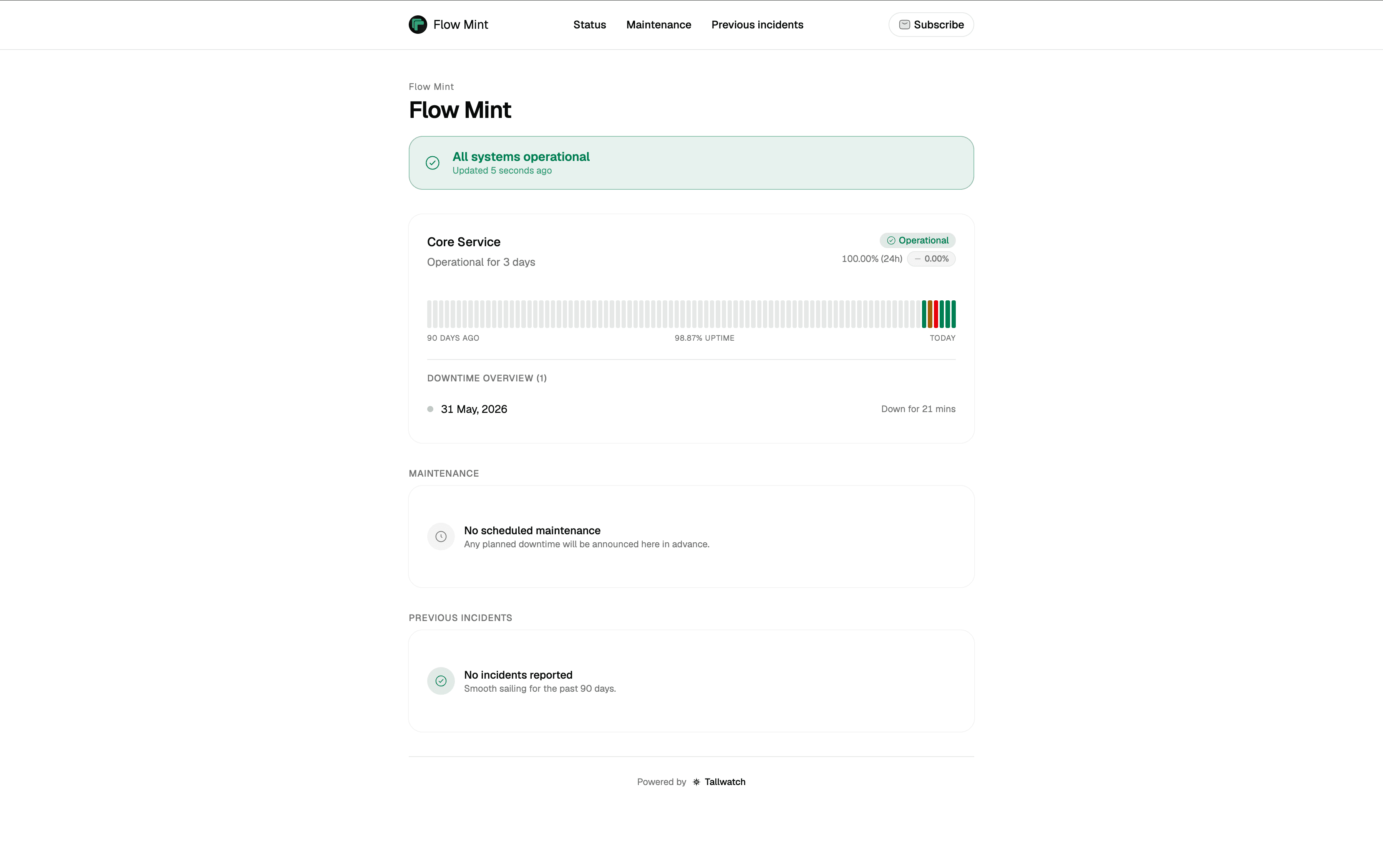
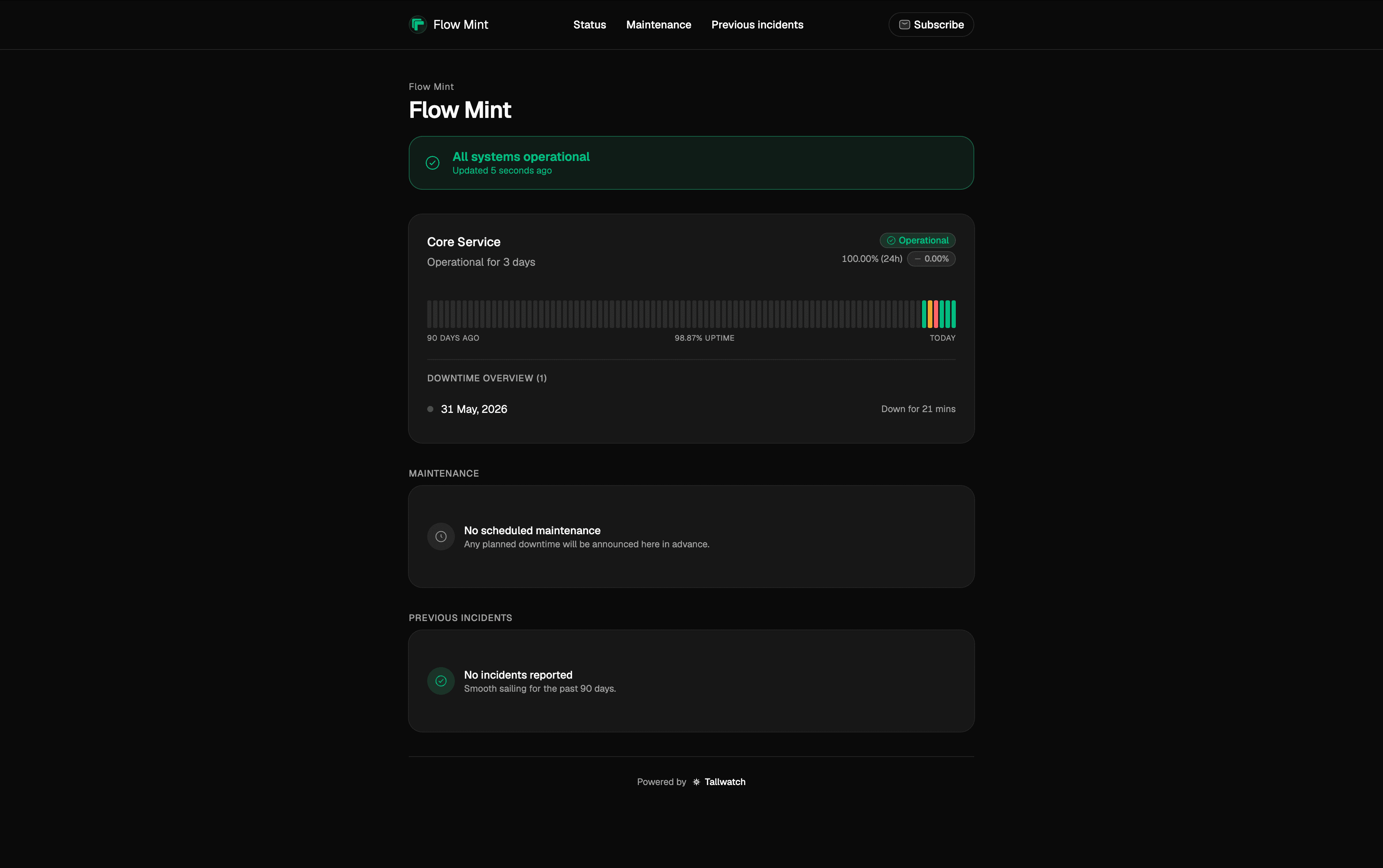
Group monitors into components. Each one shows the worst state of the checks underneath it.
90 days of uptime
A per-day uptime bar on the index, with a drill-in to response time over 24 hours to 90 days.
Subscribers
Customers subscribe by email or RSS and are notified when an incident affects your services. Slack status-page subscribers are on the roadmap.
Setup
Your uptime. Your domain.
Group your monitors, brand the page, point your domain, and open it up for subscribers. Tallwatch handles TLS and the live status behind it.
Add your components
Group monitors into components. The component shows the worst state of everything under it.
Brand it
Logo, primary color, and favicon. On Business, the Powered by Tallwatch mark comes off.
Point your domain
Add a CNAME and Tallwatch issues TLS automatically. Live badges track DNS and the certificate as they come up.
Let people subscribe
Email and RSS subscribers are notified when an incident affects your services, with one-click unsubscribe on email. Slack status-page subscribers are on the roadmap.
FAQ
Status pages, answered
What teams ask before they put a status page in front of customers.
Related reading
Go deeper on status pages
How the page stays honest, and where it sits in Tallwatch.
Multi-region consensus monitoring
The same agreement rule that opens incidents also drives component state on your status page — so customers see what on-call was paged for.
Free uptime monitoring for production
Commercial use allowed, no credit card — and one hosted status page on your own domain included.
Designing status pages your customers actually trust
Why the status page is judged on your worst day, and how component-level state and a public history make it read as honest.
Your status page is only as honest as your monitoring
Why hand-updated pages go green over real outages, and why wiring components to monitors fixes the lie by default.
Documentation
Setup guides
Step-by-step docs on docs.tallwatch.com for this part of the product.
Public uptime history and incident updates on your domain.
Tallwatch subdomain or custom domain with CNAME + TXT.
Automatic and manual incident updates plus subscribers.
A page after regions agree — not after one probe fails.
Start on Free with multi-region consensus. No credit card.