On-call schedules
Who is on call, and who covers next
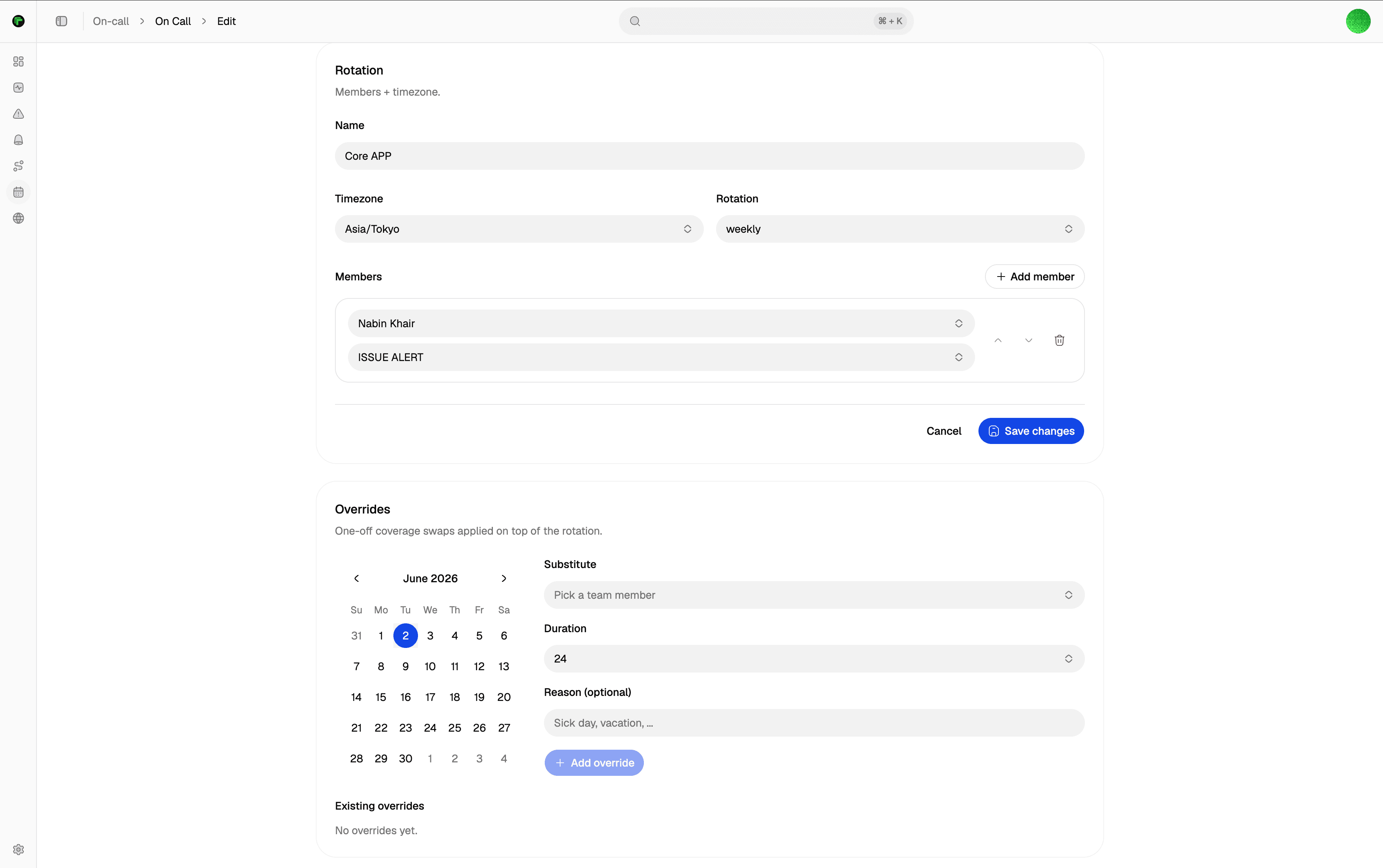
Flexible rotations
Weekly by default, or daily and custom per-day mappings. Set it once and it rolls forward on its own.
Current on-call, when configured
With members and overrides in place, a schedule resolves to whoever is on call right now — the person escalation should page.
Overrides on the calendar
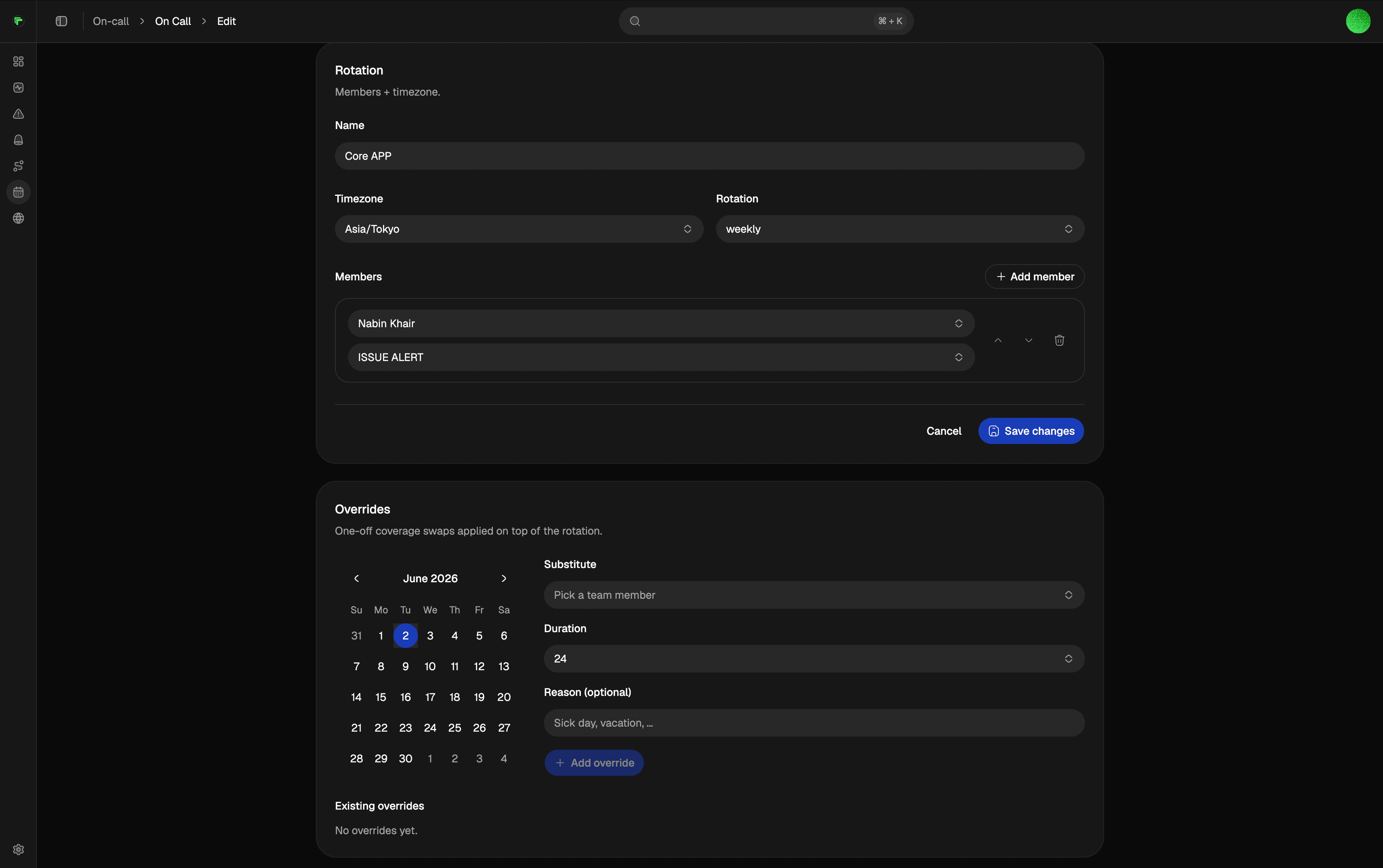
Cover a sick day or a swap with an override. The normal rotation continues after the override ends.
Works with escalation
Point an escalation policy at a schedule so each level pages the person currently on call.
Rotations
Set the rotation. Cover the gaps.
Pick a cadence, add people, and let the schedule roll forward. Use an override when someone needs to cover a shift.
Pick a rotation
Weekly by default, or daily and custom when your team works a different shape.
Add your people
Add schedule members and the channels that should reach them.
Wire it to a policy
Point an escalation policy at the schedule so incidents page the current on-call.
Cover the gaps
Add an override for a swap or sick day. The rotation continues after it ends.
Documentation
Setup guides
Step-by-step docs on docs.tallwatch.com for this part of the product.
Rotations and overrides for escalation targets.
A page after regions agree — not after one probe fails.
Start on Free with multi-region consensus. No credit card.